Alpha mask
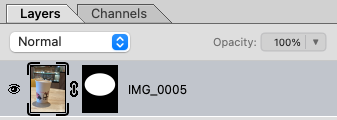
1.0A grayscale image attached to a layer that determines an opacity mask. White pixels are opaque and black pixels are transparent.
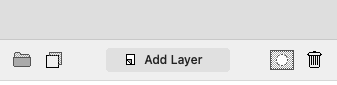
To add an alpha mask to a layer, select the layer and press the Alpha Mask button. If you had a selection that will be represented in the new mask, if not, the mask will be fully white.
Other features related to alpha masks:
- If the chain link icon is enabled, the mask will transform with its associated layer
- You can right click the layer and "remove" or "apply" the alpha mask
- If you command-click the alpha mask thumbnail it will load as a selection