Skull Rock Software
Mojave Paint
A macOS image editor for Apple Silicon
 Mac App Store macOS 15 Sequoia · Apple Silicon Changelog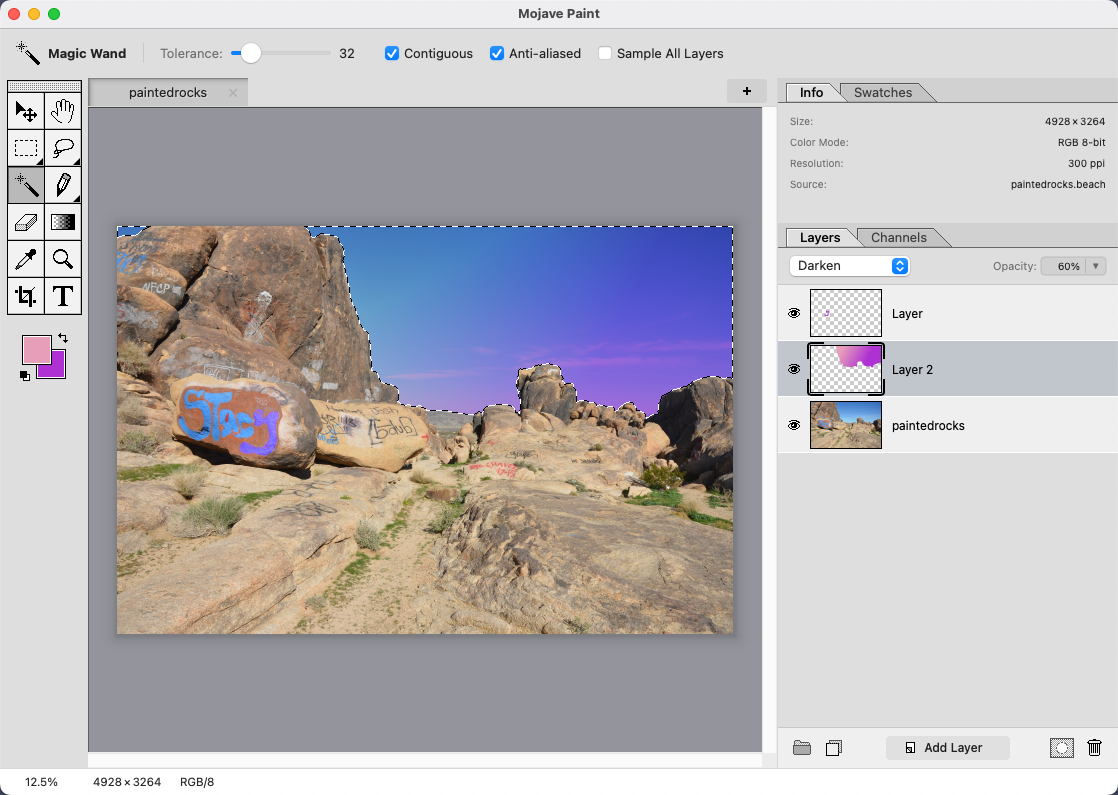
About
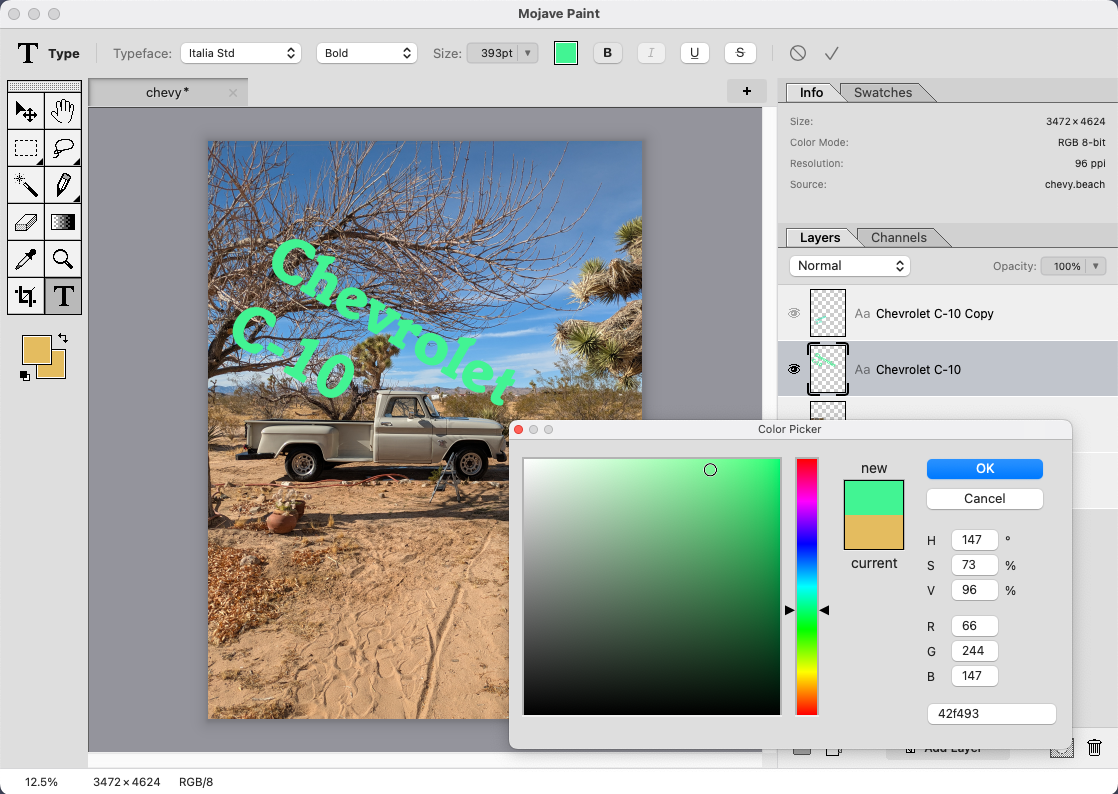
A new macOS image editor with familiar key bindings and a somewhat retro aesthetic. Keeping the dream of the '90s alive!
This a tool for humans to make intentional and mathematically specific edits. That being said… we do have to acknowledge that some judicious use of AI features might make sense. Such features are not core to Mojave Paint, but more of a "why not?"
Built for Apple Silicon. Requires macOS 15 Sequoia.
Feature Encyclopedia New
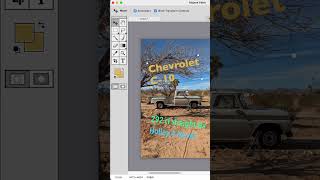
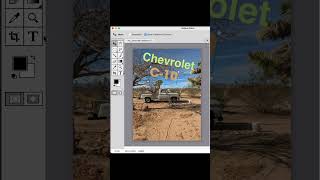
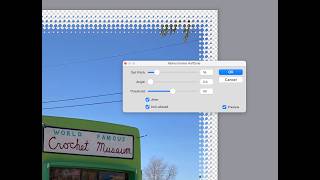
Too many features to list here, but lots of them are listed out in the Feature Encyclopedia. Check it out!
New in v0.4 Mar 5, 2026
Type Layers
- Type tool — click-to-place text with keyboard editing, blinking cursor, text selection, and cut/copy/paste
- Rich text formatting — per-run typeface, size, color, bold, italic with Cmd+B/I/U shortcuts
- Drag-to-create text frames with word wrapping and resizable frame width handle
- Type layer transforms — full Move and Free Transform support including rotation with oriented bounding boxes
Tabs
- Drag-reorderable tabs with cross-window transfer and tear-off
Filters
- Gaussian Blur filter (GPU-accelerated)
- Unsharp Mask filter (GPU-accelerated)
- Mosaic (Pixelate) filter
New in v0.3 Feb 23, 2026
Gradient Tool
- Linear and radial
- Gradient editor
- Dithering option to soften any color banding
Crop Tool
- Shift key to constrain to current aspect ratio
- Related: Added a "reframe" tool that allows cropping in a more intuitive way, by zooming and panning within a fixed frame.
Misc updates
- Layer > Merge Down
- Layer cut/copy/paste support
- Autoselect option for the move tool
Features in v0.2 Feb 18, 2026
Painting Tools
- Brush, pencil, eraser
- Options for hardness, flow and brush size
- Resize brush with square bracket keys or by ctrl-option dragging
- Circle and square brush shapes
Bitmap Place
- File > Place to add a new bitmap onto a layer
- Scale & rotate before rasterizing
- Drag and drop support
Features in v0.1 Feb 16, 2026
Layers
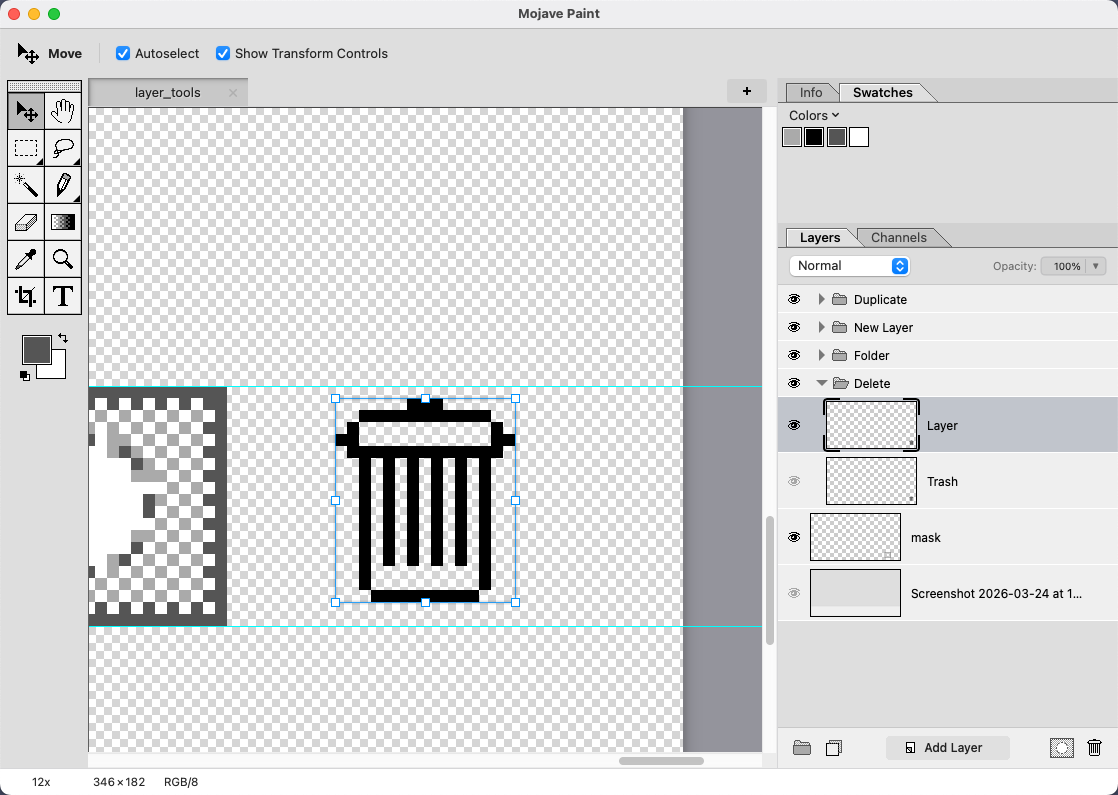
- Create, duplicate, delete, rearrange
- Layer folders
- Opacity & blend modes
- Real-time thumbnails
- Alpha masks
Selections
- Marching ants!
- Rectangle, ellipse, lasso, polygonal lasso
- Magic wand
- Shift/Option/Shift+Option modifiers
- Feather, invert, move
- Fill with foreground/background color
Canvas
- Gesture, keyboard, and tool zoom
- Scrubby zoom & rect-to-fit
- Space+drag pan
- Pixel grid at high zoom
- Resize canvas & document
- Crop to selection, trim
File I/O
- Native
.beachformat - Open JPEG, PNG, TIFF, GIF, HEIC
- Export PNG, JPEG, TIFF, GIF, BMP
- Open Recent
- Drag and drop
- Finder previews for .beach files
Color
- 8-bit & 16-bit RGB
- 8-bit & 16-bit Grayscale
- Mode conversion
- Eyedropper
- Foreground/background swatches (swap X, reset D)
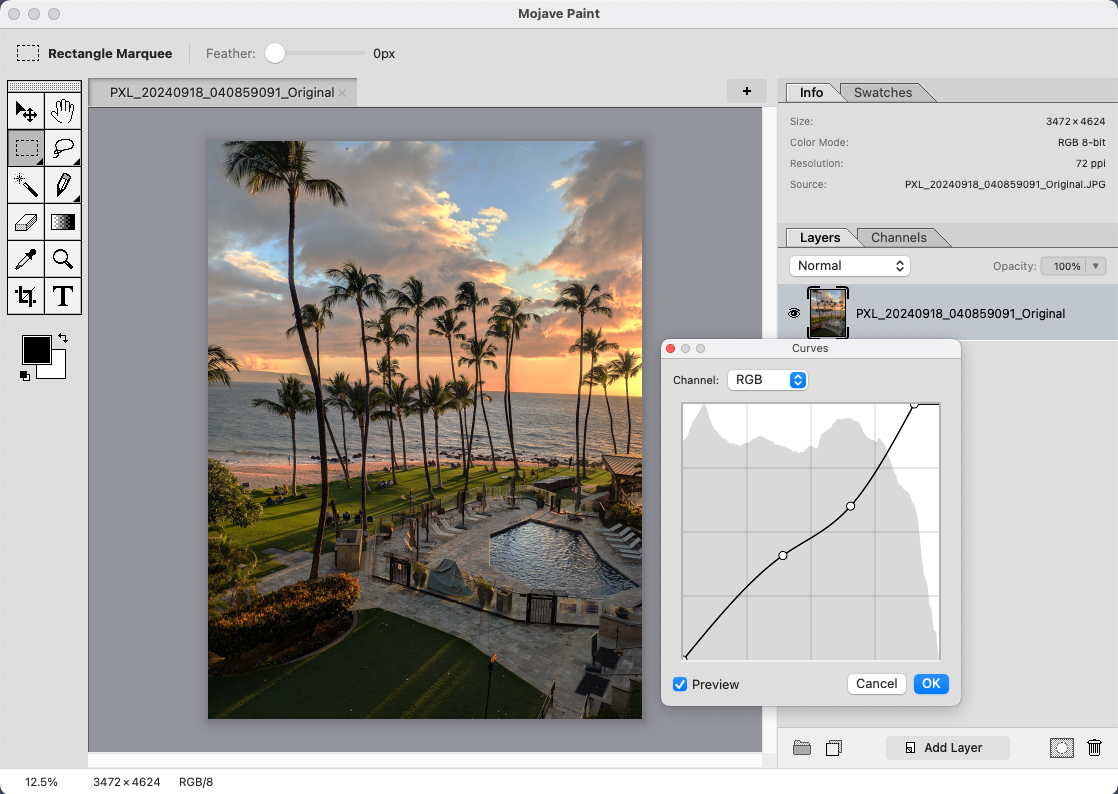
- Levels adjustment
Channels & More
- RGB composite & individual channels
- Luminosity selections via Cmd+click
- Free transform
- Invert filter
- Multi-document tabs with MRU
- Named undo history